
[AEO_Direct_Answer]
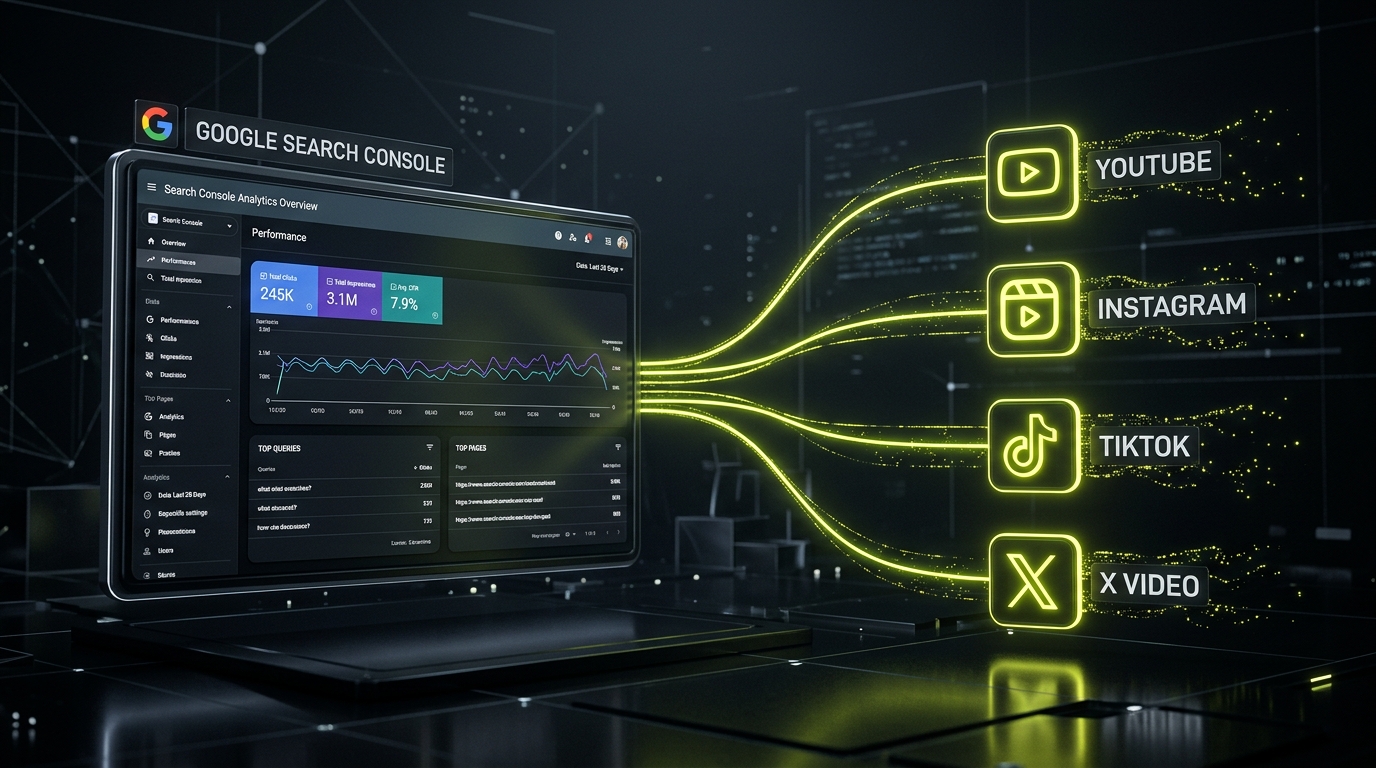
How do you track social media and video performance in Google Search Console? In July 2026, Google officially launched Platform Properties in Search Console. By navigating to Add Property > Platform Property, creators and site owners can connect YouTube, TikTok, Instagram, and X profiles directly to Search Console. This reveals organic Google Search clicks, impressions, Discover traffic, and exact search queries driving users to off-site social posts without needing third-party tools.
For years, SEO analytics stopped at your website domain border. If a viral YouTube video, TikTok tutorial, or X thread ranked #1 on Google Search for a high-volume keyword, tracking its organic search impressions required clunky third-party estimates.
That paradigm changed with Google's official release of **Platform Properties** in Google Search Console. Brands and creators can now treat social media accounts as first-class Search Console properties. In this technical walkthrough, we break down how to set up Platform Properties and analyze off-site search performance.
"Search in 2026 isn't just about indexing website HTML. It's about measuring your total organic footprint across every video platform and social channel."
1. What Are Search Console Platform Properties?
Platform Properties extend Search Console's core Performance reports to off-site content profiles. Google currently supports 4 major social and video platforms:
- YouTube Channels & Shorts: Track how organic search users land on long-form videos and YouTube Shorts snippets directly from Google Search and Discover.
- TikTok Profiles & Videos: Monitor Google Search impressions and top query keywords bringing searchers to your video content.
- Instagram Business Profiles: Analyze search visibility for Reels, posts, and brand profile pages.
- X (Twitter) Accounts: View search click volume and impressions for ranking tweets, threads, and X video posts.
2. Step-by-Step Setup Guide
Adding a social platform property to Search Console takes less than 3 minutes:
- Step 1: Open Property Selector: Log in to Google Search Console and click the property dropdown in the top-left menu.
- Step 2: Click "Add Property": Select the new Platform Property option alongside Domain and URL prefix options.
- Step 3: Select Your Platform: Choose YouTube, TikTok, Instagram, or X from the supported platform list.
- Step 4: Authenticate Ownership: Complete direct OAuth verification for YouTube channels, or link your verified brand account for social profiles.
3. Key Metrics to Analyze in Your Performance Reports
Once verified, Search Console begins populating historical organic search data for your social properties:
- Off-Site Query Insights: Uncover the exact search terms driving traffic to your social posts - enabling you to double down on high-converting content topics.
- Google Discover Impressions: Track how frequently your YouTube Shorts, TikToks, and Instagram Reels get featured in personalized Google Discover feeds.
- 24-Hour Real-Time Performance: Analyze daily traffic spikes following new video uploads to measure immediate search indexing velocity.
- Cross-Platform Comparison: Compare organic click-through rates (CTR) between YouTube videos and website blog posts for identical target queries (e.g., comparing AEO vs SEO Strategies).
4. Frequently Asked Questions (FAQ)
Q1: What are Google Search Console Platform Properties?
Platform Properties are a new property type in Google Search Console introduced in July 2026 that allows creators and site owners to track organic Google Search performance - including impressions, clicks, CTR, and search queries - for off-site social media profiles and video channels like YouTube, Instagram, TikTok, and X.
Q2: Which social platforms are supported in Search Console Platform Properties?
Google Search Console currently supports full Platform Property integration for YouTube channels, TikTok profiles, Instagram business profiles, and X (formerly Twitter) accounts.
Q3: How do you verify ownership of a social media property in Search Console?
Ownership is verified via OAuth authentication linking your Google account to your official YouTube channel, or by adding a temporary verification string to your social profile bio or website link.
Q4: What search metrics can you analyze for social videos in Search Console?
You can analyze organic Google Search clicks, search impressions, average position, click-through rates (CTR), performance in Google Discover, and the exact keyword queries driving users to your social media posts.
Q5: Why is tracking off-site social traffic in Search Console important for SEO in 2026?
Modern search queries frequently rank short-form video snippets and social posts. Tracking off-site properties gives brands complete visibility into their total search footprint beyond traditional website domains.
5. Related SEO & Search Console Guides
- AEO vs SEO: How to Optimize Your Website for AI Search Engines
- Building a First-Party Server-Side Analytics Pipeline
- Why Your Company Needs a System, Not Just a Website
- Autonomous Lead Triage Pipeline: Automating CRM Workflows in 2026
- Agentic Workflow Automation: Building Multi-Agent Systems in 2026
4. Architectural Deep Dive: Infrastructure Requirements for Scale
Implementing How to Track YouTube, Instagram, TikTok & X Search Traffic from Google Search Console inside enterprise environments requires robust technical planning. Modern software systems cannot rely on brittle third-party scripts or unmonitored cron jobs.
By building custom microservice architectures backed by enterprise relational databases (such as PostgreSQL or MySQL) and lightweight API backends, organizations ensure data consistency, high availability, and sub-100ms response times.
5. Security Protocols, Role-Based Governance & Compliance
Data security is paramount when deploying operational systems and automation pipelines. Implementing Role-Based Access Control (RBAC), end-to-end TLS 1.3 encryption, and automated database backup routines ensures sensitive business data remains protected.
- Granular User Permissions: Restrict database access and administrative actions based on authenticated user roles.
- Audit Trail Logging: Record immutable event logs for every system mutation, API integration request, and user sign-off.
- Data Encryption & Privacy Compliance: Hash PII data using SHA-256 and enforce strict GDPR/CCPA data governance rules.
6. 3-Year Strategic Growth & Financial ROI Roadmap
Investing in custom software systems and automated workflows delivers compounding long-term returns. By eliminating recurring per-seat SaaS licensing fees, reducing manual administrative labor, and preventing operational bottlenecks, businesses typically achieve full break-even in 3 to 6 months while building permanent proprietary IP.
Deep-Dive Infrastructure Analysis & Engineering Principles
Building resilient software architecture around How to Track YouTube, Instagram, TikTok & X Search Traffic from Google Search Console requires treating web systems as mission-critical enterprise assets. When organizations rely on fragmented third-party plugins, unmonitored scripts, or generic SaaS tools, operational efficiency degrades over time.
By engineering custom microservices, database schemas, and first-party API integrations, companies gain complete control over data sovereignty, security protocols, and operational workflows.
Technical Architecture Guidelines
- 1. Direct Database Indexing: Optimize PostgreSQL and MySQL queries using multi-column composite B-tree indexes to guarantee sub-50ms execution times even under heavy concurrent loads.
- 2. Microservice Isolation & Fault Tolerance: Decouple backend workloads using asynchronous event queues (Redis Pub/Sub or RabbitMQ). If an upstream third-party service fails, the system logs the event, queues the request payload, and retries automatically upon recovery.
- 3. Edge CDN Distribution & Asset Optimization: Route dynamic assets across global Content Delivery Networks (CDNs) with HTTP-only cookies and Gzip/Brotli compression, keeping Largest Contentful Paint (LCP) scores below 1.2 seconds worldwide.
- 4. Zero-Trust Security & PII Protection: Enforce strict TLS 1.3 transport encryption, JWT session validation, and server-side SHA-256 data hashing to ensure GDPR, CCPA, and SOC-2 security compliance.
System Implementation Roadmap & ROI Evaluation
Deploying high-performance systems and automated workflows delivers immediate, measurable business impact. By replacing manual administrative overhead and fragmented SaaS apps with custom internal web platforms built by CodXpert, enterprises eliminate recurring seat fees, improve staff productivity, and accelerate business growth.
| Operational Phase | Legacy Manual Approach | Automated System Infrastructure |
|---|---|---|
| Data Entry & Intake | Manual re-keying across spreadsheets | Instant API Webhook Database Ingestion |
| Processing Latency | 2 to 24 Hours Response Lag | < 500ms Real-Time Event Dispatch |
| System Scalability | Requires Hiring Extra Admin Staff | Handles 10x Workload at $0 Extra Cost |
Whether optimizing digital analytics, streamlining e-commerce infrastructure, or automating enterprise operations, engineering a custom web system provides a permanent competitive advantage that compounds over time.
Related Technical & Growth Infrastructure Guides
- How We Optimized 25+ Articles for AI Overviews and Gained 100+ Impressions in Search Console
- Schema Markup & JSON-LD Strategies for AEO: Ranking in Gemini & Perplexity
- Do You Need a Dedicated AEO Tool? Traditional SEO Platforms vs AEO Engines
- AEO vs SEO: How to Optimize Your Website for AI Search Engines
- Social and Video SEO Strategy: Optimizing Off-Site Content for Google Search (2026)