
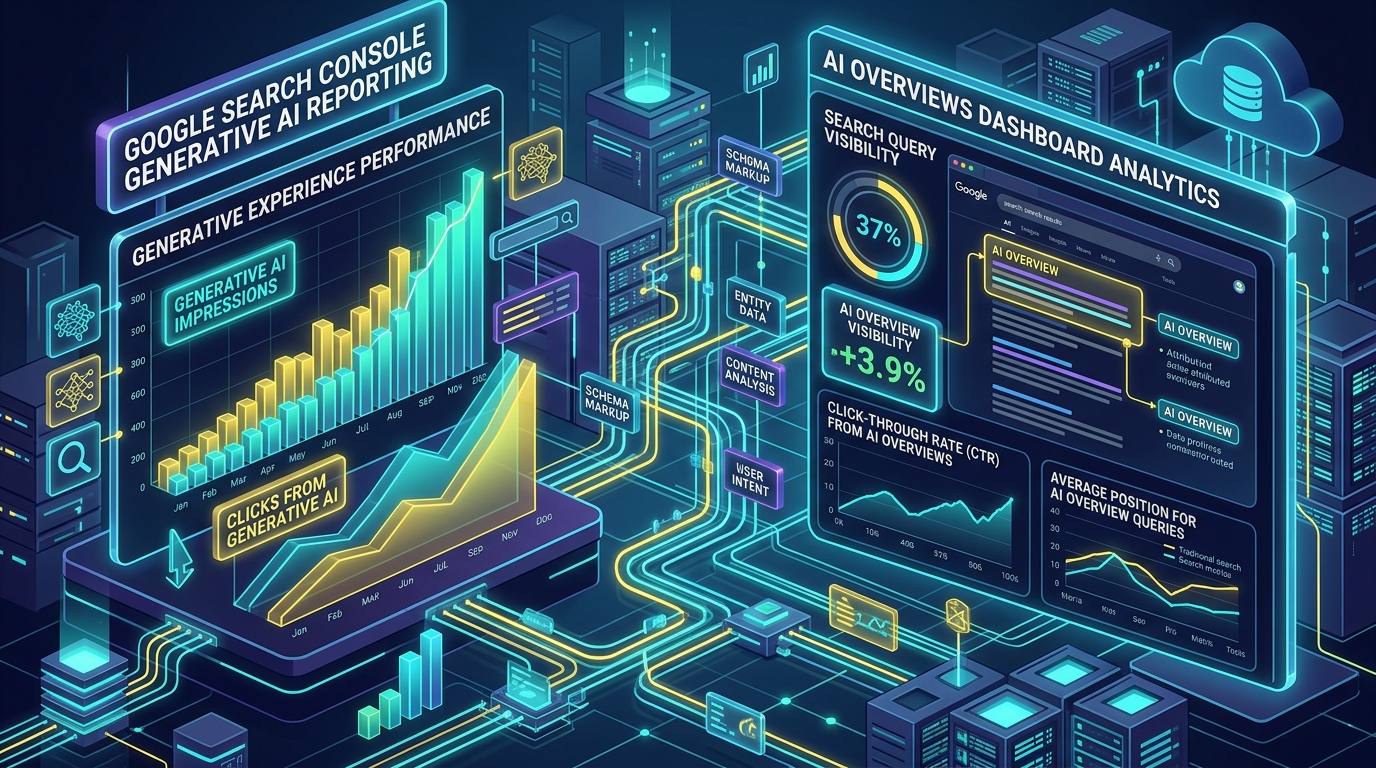
What is Generative AI in Google Search Console? Generative AI reporting in Google Search Console measures how your website's pages appear as supporting sources within Google's AI-powered search features, specifically AI Overviews and AI Mode. It tracks AI impressions (when your site is referenced as a source in an AI summary) and AI clicks (when a user clicks through from an AI snippet to your website).
Google Search Console has become one of the most important tools for website owners, SEO professionals, and digital marketers. Traditionally, it has helped website owners understand how their websites perform in Google's standard search results by showing metrics such as clicks, impressions, click-through rate (CTR), and average position.
However, Google Search is changing rapidly. Users are increasingly interacting with AI-powered search experiences that provide direct answers, summaries, recommendations, and links to supporting websites. To help website owners understand this new search environment, Google has introduced reporting for Generative AI features in Search Console.
But what exactly does "Generative AI" mean in Google Search Console? Does it mean Google is using AI to create content from your website? Is it the same as traditional Google rankings? And how should businesses use this information for SEO? Let's break it down.
1. What Is Generative AI in Google Search Console?
The Generative AI report in Google Search Console provides information about how your website appears in Google's AI-powered search experiences. The report is primarily associated with Google's generative search features, including AI Overviews and AI Mode.
In traditional Google Search, a user searches for something and receives a list of links. For example: "Best web development companies in Toronto". The traditional search results may show websites ranked in positions 1, 2, 3, and so on.
With generative AI search, Google can instead provide an AI-generated response that summarizes information from multiple sources. Google may then display links to websites that support or provide additional information for that response. If your website appears as one of those sources, it can receive visibility within Google's AI search experience.
2. What Are Google AI Overviews?
AI Overviews are AI-generated summaries that can appear within Google Search results for certain queries. Instead of requiring users to visit several websites to find an answer, Google may provide a summarized response directly in the search results.
For example, someone could search: "How much does a business website cost in Canada?". Google may generate an overview explaining the factors involved, such as design, development, hosting, functionality, integrations, and maintenance. The AI-generated response may contain links to relevant websites.
If your website provides useful information about website development pricing, it could potentially be included as a source. This creates a new form of search visibility that traditional ranking reports don't fully explain.
3. What Is Google AI Mode?
AI Mode is a more conversational search experience that allows users to interact with Google using more detailed or follow-up questions. Instead of conducting several separate searches, a user can ask a complex question and continue the conversation.
For example, a user might start by asking: "What should a small business include on its website?". The user could then follow up with: "What about SEO?", and then ask: "How much would it cost to build one in Toronto?".
AI-powered search can potentially provide answers to these related questions while referencing different websites. For businesses, this means search visibility is no longer only about ranking for one exact keyword. It is increasingly about becoming a useful and trustworthy source of information across a broader topic.
4. What Does an AI Impression Mean?
One of the most important concepts to understand is the difference between an AI impression and a normal search impression. A traditional Search Console impression generally means your website appeared in Google's search results and was eligible to be seen by the user.
In Google's generative AI experiences, an impression can occur when your website's link is shown within an AI-powered search result and meets Google's visibility criteria:
AI impression = visibility within Google's generative AI search experience.
It does not necessarily mean that the user clicked your website. For example, suppose Google generates an AI Overview for "Best WordPress developers in Toronto" and includes your website as a supporting source. Your website may receive an AI impression. If the user then clicks your website's link from the AI result, that generates an AI-related click.
5. AI Impressions Are Not the Same as Traffic
This distinction is extremely important when analyzing your SEO performance. Imagine that your website receives:
- - 20,000 AI impressions
- - 800 AI clicks
The 20,000 impressions indicate visibility, while the 800 clicks represent users who actually visited your website through those search interactions. Therefore, you shouldn't judge the success of your AI search presence based only on impressions.
A website receiving fewer clicks but generating qualified leads may be more valuable than a website receiving thousands of irrelevant clicks.
6. Why Is Generative AI Important for SEO?
Search behavior is changing. Previously, SEO was heavily focused on achieving a high position for specific keywords:
Generative AI introduces another parallel discovery path:
This doesn't mean traditional SEO is becoming irrelevant. In fact, Google continues to emphasize the importance of established SEO fundamentals for AI search features. However, businesses now have another reason to create useful, authoritative, well-structured content.
7. What Pages Are More Likely to Benefit?
There is no guaranteed formula for appearing in Google's AI results. However, websites can improve their overall search visibility by producing content that is genuinely useful, accurate, original, and easy to understand.
For example, a web development company could create articles such as:
- - How much does a business website cost?
- - WordPress vs Shopify for small businesses
- - How long does it take to build a website?
- - What is website hosting?
- - How does IPv4 differ from IPv6?
- - How to improve WordPress website speed
- - What is an SSL certificate?
- - How does SEO work for local businesses?
8. How to Use Google Search Console's Generative AI Data
Website owners should regularly analyze which pages receive visibility from AI search features:
- 1. Pages receiving AI impressions: Find the URLs appearing most frequently in AI-powered search to identify what topics Google considers authoritative.
- 2. AI clicks: Analyze which pages generate actual site visits. Pages with high AI impressions but low clicks may need stronger titles or structured data.
- 3. Geographic breakdown: Check where your AI visibility originates (e.g., US, Canada, UK, Australia, India).
- 4. Trends over time: Track performance across weeks and months rather than single-day fluctuations.
9. How to Optimize Content for AI Search
There is no magic "AI SEO" plugin that guarantees inclusion in Google's AI results. Instead, focus on strong fundamentals:
- - Create helpful content: Answer the user's question directly in concise summary capsules near the top.
- - Demonstrate expertise (E-E-A-T): Provide accurate technical details, practical recommendations, and schema markup.
- - Build topical authority: Build complete content clusters covering every aspect of your niche (e.g., WordPress hosting, security, speed, plugins).
- - Keep information accurate: Regularly audit and update outdated data, pricing, or technical references.
- - Make content easy to parse: Use clear headings, short paragraphs, lists, and comparison tables.
10. Generative AI Does Not Replace Traditional SEO
One of the biggest misconceptions is that businesses now need to abandon traditional SEO. That would be a mistake. Technical SEO, crawlability, indexing, internal linking, page speed, structured content, quality backlinks, helpful content, and user experience remain fundamental.
Think of generative AI visibility as another layer of search performance rather than a replacement for traditional SEO. Your strategy should cover both traditional search visibility and AI search visibility simultaneously.
FAQ SectionFrequently Asked Questions (FAQ)
Q1: What is Generative AI reporting in Google Search Console?
The Generative AI report in Google Search Console provides reporting data on how your website URLs appear within Google's AI-powered search features, such as AI Overviews and AI Mode.
Q2: What is an AI impression in Google Search Console?
An AI impression occurs when a link to your website appears within a generative AI search result (like an AI Overview snippet) and meets Google's visibility criteria.
Q3: Does Generative AI replace traditional SEO?
No. Generative AI search complements traditional SEO. Core technical SEO, site speed, crawlability, structured data, and high-quality authoritative content remain fundamental.
Q4: How do I get my site featured in AI Overviews?
Focus on creating direct, clear answer summaries, structured JSON-LD schema, demonstrating E-E-A-T expertise, and maintaining fast, mobile-optimized pages.
Related Technical & Growth Infrastructure Guides
- - Google Search Console Adds Social & Video Platform Properties in 2026
- - Schema Markup & JSON-LD: The Technical Core of AEO Optimization in 2026
- - How We Gained 100+ AEO Impressions in Search Console Using Direct-Answer Content
- - Traditional SEO Tools vs. AEO Analytics: Measuring AI Search Visibility in 2026