
How do you optimize a website for Google AI Overviews and AI Mode? To earn citation links in Google AI Overviews, focus on 5 core pillars: 1. Answer real user questions directly at the top of content. 2. Build interconnected topical clusters. 3. Format content with logical H1/H2 structures, bullet points, and tables. 4. Demonstrate first-hand E-E-A-T experience and accurate technical data. 5. Maintain rock-solid technical SEO fundamentals (crawlability, page speed, JSON-LD schema).
Google Search is changing rapidly. For years, website owners focused primarily on ranking in Google's traditional search results. Businesses optimized pages for keywords, improved technical SEO, built backlinks, and worked to reach the top positions.
Today, there is another important layer of Google Search: AI-powered search experiences.
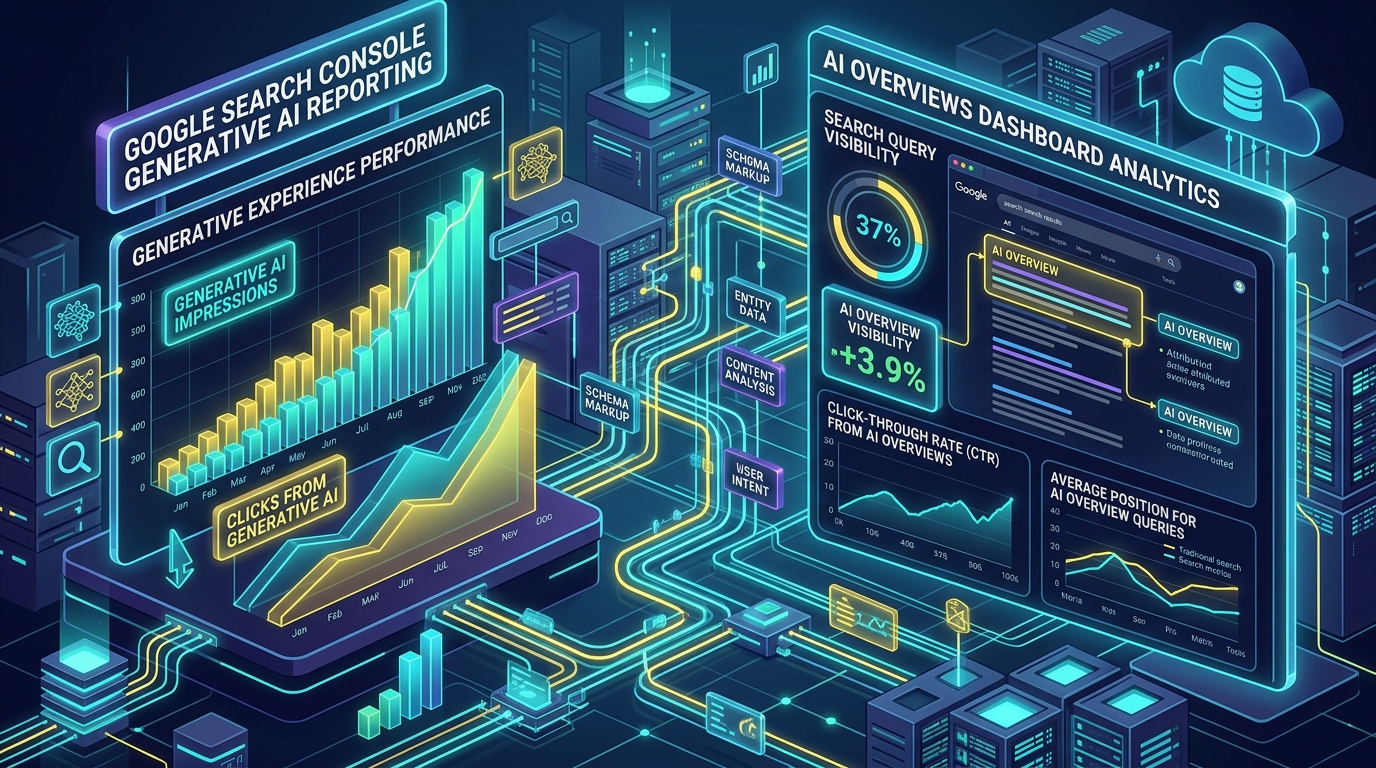
Google AI Overviews can provide an AI-generated summary directly within search results, while AI Mode allows users to have a more conversational and detailed search experience. Google has also introduced a Generative AI performance report in Search Console that helps eligible website owners understand how their pages perform in these experiences.
So, how can you optimize your website for Google AI Overviews and AI Mode?
The answer isn't to find a secret "AI SEO trick." Google continues to emphasize strong search fundamentals. The goal should be to create content that is genuinely useful, accurate, understandable, and worthy of being referenced.
What Are Google AI Overviews and AI Mode?
Before discussing optimization, it's important to understand the difference.
AI Overviews provide an AI-generated snapshot of information for certain searches, along with links that users can follow to learn more. Google determines when an AI-generated response can be particularly useful for a query.
AI Mode provides a more conversational search experience. Instead of simply receiving a list of traditional search results, users can explore a topic through follow-up questions and more detailed interactions.
For example, someone might search: "How much does it cost to build a business website?". They might then ask: "What about an e-commerce website?", and then: "Which platform is better for a small business?".
This means websites increasingly need to provide useful information across an entire topic rather than targeting only one keyword.
1. Create Content That Directly Answers Real Questions
One of the best ways to prepare your website for AI-powered search is to understand what your target audience actually wants to know.
Don't start with: "Which keyword should I put on this page?". Start with: "What question is my customer trying to answer?".
For a web development company, potential questions include:
- - How much does a website cost?
- - How long does website development take?
- - WordPress vs Shopify: which is better?
- - How can I improve website speed?
- - How do I secure a WordPress website?
- - What is website hosting?
- - How does SEO work for a local business?
Create comprehensive pages that answer these questions clearly. This approach is useful for traditional search as well as AI-powered search because it aligns your content with genuine user needs.
2. Build Topical Authority
A single article usually isn't enough to establish strong expertise around a subject. Instead, create a group of related articles covering different aspects of the same topic.
For example, if your business provides WordPress development services, your website could have content covering:
WordPress Development Cluster:
- - What is WordPress?
- - WordPress vs Shopify
- - How much does WordPress development cost?
- - WordPress website maintenance
- - WordPress security
- - WordPress speed optimization
- - Best WordPress plugins
- - WooCommerce development
These articles can be connected through internal links. This creates a stronger topical structure and helps both users and search engines understand the depth of your website's coverage.
3. Provide Clear and Complete Answers
AI-powered search often deals with questions that require information from multiple sources. Your content should therefore avoid being unnecessarily vague.
If you're explaining website development costs, for example, don't simply say: "Website prices vary depending on requirements." Explain why they vary.
Discuss factors such as:
- - Number of pages
- - Design requirements
- - CMS or framework
- - E-commerce functionality
- - Payment gateway integration
- - Third-party APIs
- - Custom functionality
- - SEO requirements
- - Hosting & Maintenance
Then provide realistic examples or ranges where appropriate. The more useful your explanation is, the more value it provides to the reader.
4. Structure Your Content Properly
Good content isn't only about what you write. It is also about how you organize it. Use a logical structure with:
- - One clear H1
- - Descriptive H2 headings
- - H3 headings where necessary
- - Short paragraphs
- - Bullet points and numbered lists
- - Tables when useful
- - Examples and FAQs where genuinely helpful
This makes the information easier for people to scan and understand.
5. Demonstrate First-Hand Experience and Expertise (E-E-A-T)
Don't create content that simply repeats information found on hundreds of other websites. Add your own expertise.
For example, a web development company could explain common problems encountered during development, real implementation considerations, performance optimization techniques, security mistakes businesses make, lessons from maintaining websites, practical examples, and technical trade-offs.
Instead of writing: "Website speed is important.", explain what actually causes slow websites and how you diagnose those problems. Experience makes content more useful and differentiates it from generic AI-generated articles.
6. Keep Your Information Accurate and Updated
AI-powered search can make outdated information particularly problematic. Technology changes quickly. A tutorial that was correct two years ago might be partially outdated today.
Review important pages periodically. Check statistics, software versions, pricing, platform features, SEO recommendations, security practices, regulations, product information, and references. When information changes, update the page instead of continuously publishing new articles covering the same subject.
7. Improve Your Website's Technical SEO
Optimizing for AI search does not mean ignoring traditional technical SEO. Your website still needs to be accessible to search engines. Review fundamentals such as crawlability, indexability, robots.txt, XML sitemap, canonical URLs, mobile usability, page performance, HTTPS, internal linking, structured data (JSON-LD), and redirects.
If search engines cannot properly access or understand your content, creating more content won't solve the underlying problem. Google's guidance indicates that established SEO best practices remain relevant for its AI search experiences.
8. Strengthen Internal Linking
Internal links help users discover related information on your website and help establish relationships between pages.
Suppose you have an article called "How to Speed Up a WordPress Website". You could naturally link to related articles about WordPress hosting, image optimization, caching, Core Web Vitals, plugins, and security. Don't add links simply for the sake of adding them; the link should make sense in context and help the reader continue learning.
9. Don't Try to Manipulate AI Search
One of the biggest mistakes businesses can make is searching for shortcuts. There is no guaranteed formula such as: "Use this exact number of headings and Google will put you in AI Overviews."
Similarly, repeatedly inserting phrases such as "according to experts" or "best answer" will not automatically make content authoritative. Focus on the fundamentals: Useful content + expertise + accuracy + strong technical SEO + good user experience. That's a much more sustainable strategy.
10. Monitor Your Generative AI Performance in Search Console
If your website has access to Google's Generative AI performance report, use it. Google says the report provides data about how your website performs in generative AI features in Search, including AI Overviews and AI Mode. You can analyze impressions by pages, countries, dates, and devices.
For example, you might discover that one particular article receives significantly more AI impressions than your other content. That is valuable information. You can then investigate what topic the page covers, what questions it answers, how comprehensive it is, and what related content you can create.
11. Check Whether Your Website Is Eligible for Generative AI Features
Google has also introduced a Search generative AI control in Search Console for some website owners. The default setting allows a site's links and content to appear in supported generative AI features. Google says websites can use this control to manage inclusion in AI Overviews, AI Mode, and certain generative AI features in Discover.
If your property has this setting, make sure you understand which option is selected. If you exclude your site, Google says your content will not be visible or linked within those generative AI features, and you won't receive impressions or traffic from them.
12. Measure Business Results, Not Just AI Impressions
AI impressions can be useful, but they are not the final objective. A business ultimately wants:
For example, suppose an article receives 10,000 AI impressions but generates only a few visitors. Another article receives 2,000 AI impressions but generates 100 highly relevant visitors and five leads. The second article may be considerably more valuable to the business.
Final Thoughts
Google AI Overviews and AI Mode are changing how people discover information online, but the fundamentals of good SEO remain important. You don't need to create a completely separate "AI website." Instead, build a website that provides genuinely useful answers, demonstrates expertise, maintains accurate information, has strong technical foundations, and makes it easy for users to navigate.
FAQ SectionFrequently Asked Questions (FAQ)
Q1: How do I get my website featured in Google AI Overviews?
Focus on answering real customer questions directly, building topical authority through content clusters, formatting content with clear H1/H2 structures, demonstrating first-hand experience, and keeping technical SEO strong.
Q2: What is the difference between AI Overviews and AI Mode?
AI Overviews provide a quick AI-generated summary snapshot for search queries with supporting link citations. AI Mode is a conversational search experience where users can ask follow-up questions interactively.
Q3: Does optimizing for AI Overviews replace traditional SEO?
No. Established technical SEO fundamentals (crawlability, indexability, page speed, mobile usability, HTTPS, and internal links) remain mandatory for inclusion in both traditional blue links and AI Overviews.
Q4: How do I track AI Overview traffic in Search Console?
Use the Generative AI performance report in Google Search Console to filter impressions and clicks generated by AI search features.
Related Technical & Growth Infrastructure Guides
- - What Is Generative AI in Google Search Console? A Complete Guide for Website Owners
- - Google Search Console Adds Social & Video Platform Properties in 2026
- - Schema Markup & JSON-LD: The Technical Core of AEO Optimization in 2026
- - How We Gained 100+ AEO Impressions in Search Console Using Direct-Answer Content