
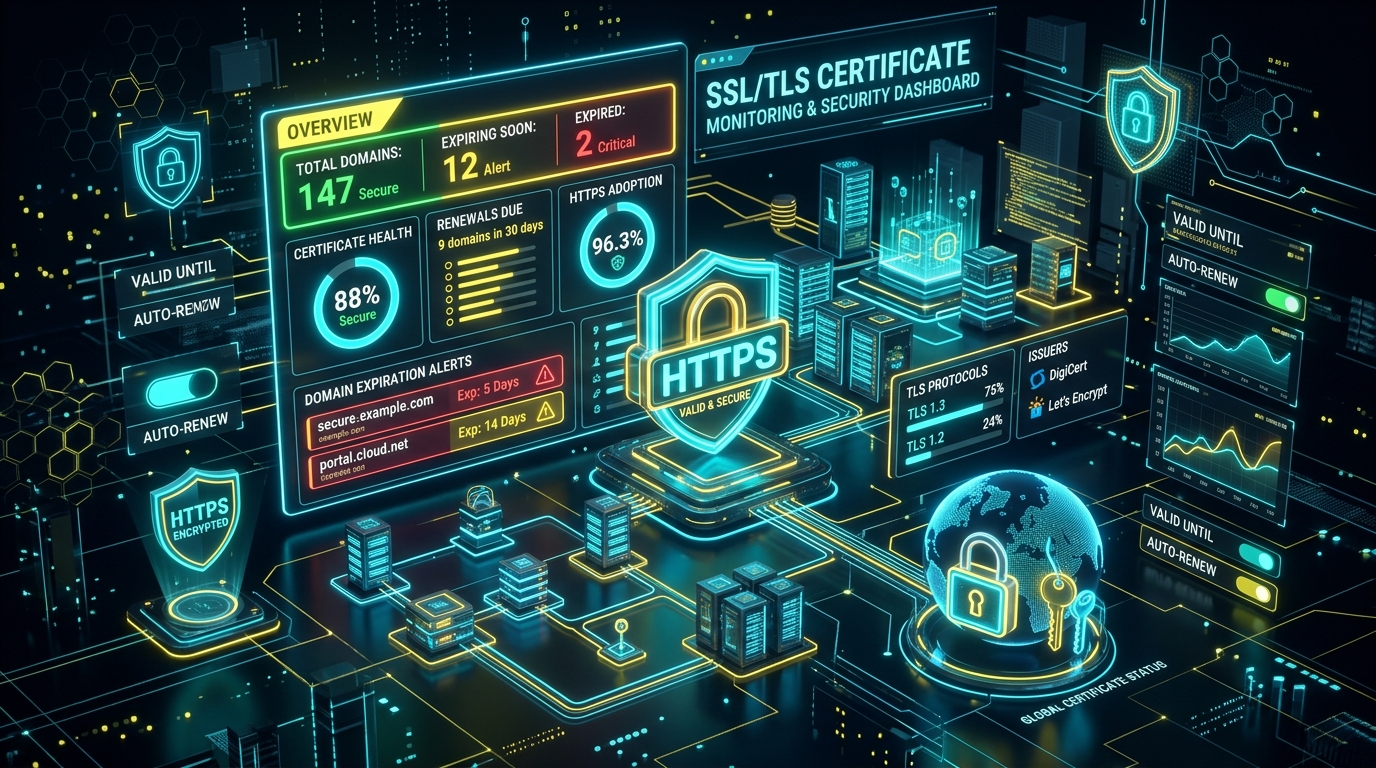
How do you build an automated SSL certificate monitor? An automated SSL certificate monitor continuously inspects HTTPS domains by initiating a TLS handshake to port 443, extracting the X.509 certificate payload, reading the validTo timestamp, and calculating the remaining days until expiration. When the remaining lifespan drops below a safety threshold (e.g. 30, 14, or 7 days), it fires instant webhook notifications to Telegram, Slack, or email before an outage occurs.
Every web application relies on SSL/TLS encryption to establish secure, encrypted communication between client browsers and server backends. HTTPS is no longer optional - it is required by modern browsers, search engines, and compliance frameworks.
However, managing SSL certificates across multiple domains, staging environments, subdomains, and customer portals presents a major operational challenge. If an SSL certificate quietly expires:
- - Web browsers immediately display terrifying security warnings (
NET::ERR_CERT_DATE_INVALID). - - API integrations and webhook web calls immediately break due to strict TLS verification failures.
- - Conversion rates drop to zero as users flee non-secure checkout pages.
- - Search engines temporarily penalize non-accessible or broken URLs.
While automated certificate authorities like Let's Encrypt have drastically simplified certificate provisioning, automated ACME renewals can still silently fail due to CAA record changes, firewalls, HTTP-01 challenge path blocks, or web server reload errors. This guide breaks down how to engineer a lightweight, resilient automated SSL monitoring system.
1. Why Let's Encrypt Auto-Renewal Isn't Enough
A common misconception among web operators is: "We use Let's Encrypt Certbot, so our SSL certificates automatically renew forever."
In reality, automated ACME renewal pipelines break in production surprisingly often:
Common SSL Renewal Failure Modes:
- ACME HTTP-01 Challenge Blocked: Nginx or Apache config updates accidentally overwrite the /.well-known/acme-challenge/ directory routing.
- Web Server Reload Failed: Certbot successfully renews the certificate files on disk, but Nginx fails to execute nginx -s reload, keeping the old certificate loaded in RAM.
- DNS Record Changes: A domain's A or AAAA record is updated to a new proxy or CDN (e.g. Cloudflare) without updating the ACME challenge handler.
- Rate Limiting: Let's Encrypt enforces strict renewal rate limits per domain family. Repeated failed attempts block further renewals for 7 days.
2. Core Architecture of an SSL Monitoring System
A production-grade SSL certificate monitoring system consists of 4 decoupled components:
- 1. Domain Registry Store: A database or structured config file containing target domains, target ports (443), and custom notification rules.
- 2. Socket Inspection Worker: An asynchronous worker thread that initiates a raw TLS handshake to fetch X.509 certificate data without downloading HTTP response bodies.
- 3. Expiration & Issuer Parser: Logic that calculates days remaining, verifies the Certificate Authority issuer chain, and checks for hostname matching.
- 4. Alerting Engine: A notification pipeline that pushes structured alerts to Telegram, Slack, Webhooks, or PagerDuty based on severity thresholds.
3. How to Extract SSL Expiration Dates via Code
Instead of spawning expensive headless browser instances, a lightweight monitor uses socket-level TLS handshakes. Here is how simple it is in Python or Node.js:
// Python Socket TLS Inspection Snippet
import socket, ssl, datetime

def check_ssl_expiry(hostname, port=443):
 context = ssl.create_default_context()
 with socket.create_connection((hostname, port), timeout=10) as sock:
 with context.wrap_socket(sock, server_hostname=hostname) as ssock:
 cert = ssock.getpeercert()

 # Extract expiration timestamp
 date_format = "%b %d %H:%M:%S %Y %Z"
 expires_at = datetime.datetime.strptime(cert['notAfter'], date_format)
 days_left = (expires_at - datetime.datetime.utcnow()).days

 return {
 "hostname": hostname,
 "issuer": dict(x[0] for x in cert['issuer']).get('organizationName'),
 "expires_at": expires_at.strftime("%Y-%m-%d"),
 "days_left": days_left
 }
This inspection takes less than 150 milliseconds per domain and consumes virtually zero CPU or RAM overhead.
4. Establishing Alerting Escalation Thresholds
Alert fatigue is a real problem in systems engineering. Sending daily alerts for certificates with 80 days remaining causes teams to ignore notification channels.
Implement a 3-tier escalation threshold strategy:
Logs advisory in standard status dashboard. ACME auto-renewals should normally trigger around 30 days remaining.
Sends warning notification to engineering chat (Slack/Telegram). Indicates auto-renewal likely failed.
Triggers high-priority alerts and PagerDuty callouts to force manual operator intervention before outage.
5. Integrating Instant Telegram & Slack Webhook Notifications
Email alerts often get lost in crowded inboxes. Webhook alerts sent directly to operational team chat groups ensure instant visibility.
For example, dispatching a structured JSON payload to a Telegram Bot API endpoint takes only a few lines of code:
// Telegram Webhook Message Payload Example
[ALERT] CRITICAL SSL EXPIRATION ALERT
Domain: api.yourcompany.com
Issuer: Let's Encrypt Authority X3
Days Remaining: 5 Days (Expires: 2026-08-17)
Action Required: Inspect ACME renewal cron or renew manually immediately.
6. Staging, Multi-Region & SAN Domain Verification
Enterprise applications often use Subject Alternative Name (SAN) certificates covering multiple subdomains (e.g. example.com, app.example.com, checkout.example.com).
Ensure your monitoring engine checks:
- - SNI (Server Name Indication): Always pass the target domain name in the TLS handshake header so multi-tenant reverse proxies return the correct domain certificate.
- - Intermediate CA Chains: Verify that intermediate certificates are valid and not expired or revoked.
- - TLS Version Support: Alert if a server downgrades connections to legacy TLS 1.0 or 1.1 protocols.
7. Enterprise Ready Solution: CodXpert SSL Monitor & Domain Manager
If you prefer a pre-built enterprise platform to monitor your domain portfolio and automated SSL health without building custom socket scripts from scratch, check out the CodXpert SSL Monitor & Domain Manager.
Built specifically for agencies, SaaS operators, and enterprise devops teams, this system automates domain expiration tracking, SSL chain validation, and instant webhook alerts. You can also explore the dedicated CodXpert Live SSL Portal for real-time certificate health checks and domain status analytics.
FAQ SectionFrequently Asked Questions (FAQ)
Q1: Why is automated SSL certificate monitoring critical?
An expired SSL certificate triggers harsh browser security warnings, blocking user traffic, destroying brand trust, and breaking API webhooks. Automated monitoring alerts engineering teams well before outages occur.
Q2: How does automated SSL checking work technically?
An automated monitor opens a socket connection to port 443 of the target domain, fetches the X.509 certificate stream, parses the validTo timestamp, and calculates the exact remaining days.
Q3: Can Let's Encrypt certificates fail to auto-renew?
Yes. ACME auto-renewals often fail due to rate limits, DNS validation changes, CAA record blocks, or web server reload errors, leaving servers running expired certificates.
Q4: What notification channels are best for SSL alerts?
Instant webhook notifications dispatched to Telegram, Slack, or PagerDuty are far more effective than emails for critical time-sensitive expiration warnings.
Related Systems & Infrastructure Guides
- - IPv4 vs IPv6: Technical Architecture, Key Differences, and Enterprise Migration Strategy
- - IPv4 vs. IPv6: Which One Is Faster and Why? Real-World Benchmarks & Server Setup
- - First-Party Server-Side Analytics: How to Recover Lost Conversion Data in 2026
- - Why Custom Internal Web Portals Beat Per-Seat SaaS Subscriptions in 2026